Everything for working with text and ideas
AI with your notes as context, a flexible editor, and real-time collaboration — with offline access to your documents
No card · Data in Russia · Offline access · A choice of AI models
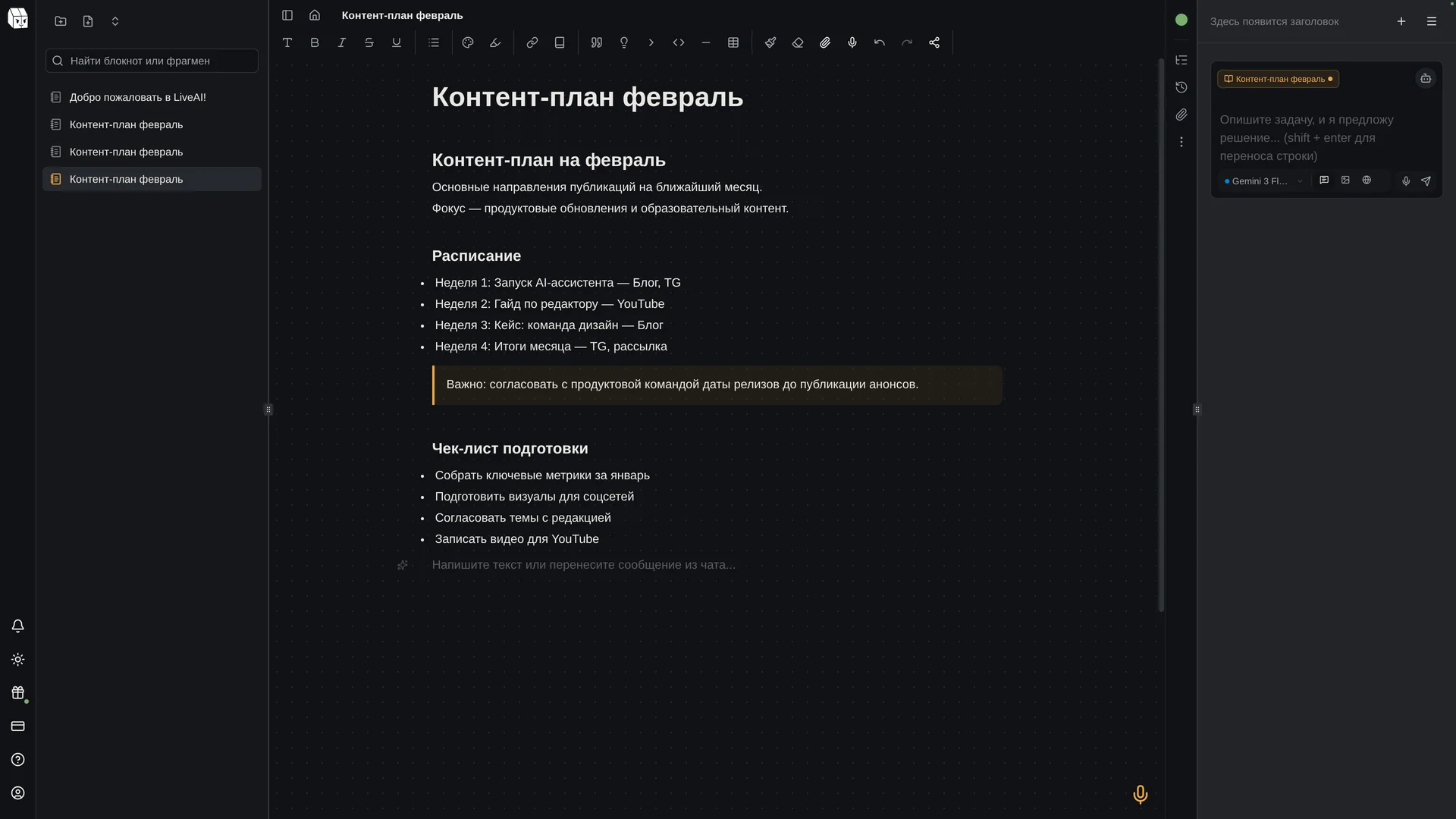
AI that knows your project
Choose an AI model for your task. It draws context from your notebooks and answers based on what you are working on.
- Auto-context from notes
- Real-time web search
- Image generation
- File recognition (OCR, speech-to-text, documents)
Finally, no need to copy text to a separate chat and back. AI already sees all my notes — this saves hours every week.
An editor that doesn't get in the way
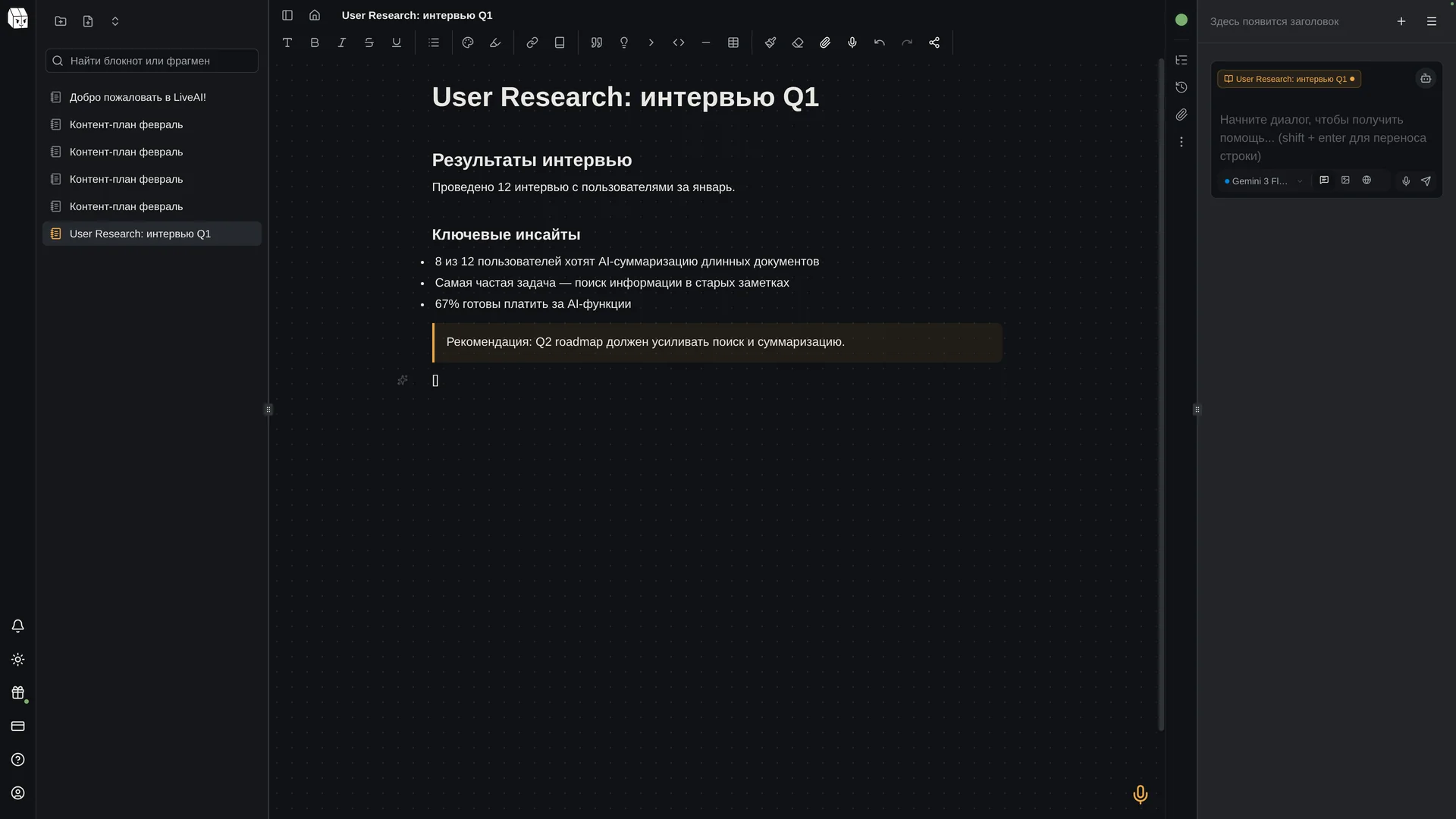
Text, tables, images, and lists — build your document from the blocks you need and format it as you go.
- Tables, code highlighting, callout blocks
- Task lists, nested lists, collapsible blocks
- Embedded files and resizable images
- Quick formatting as you type
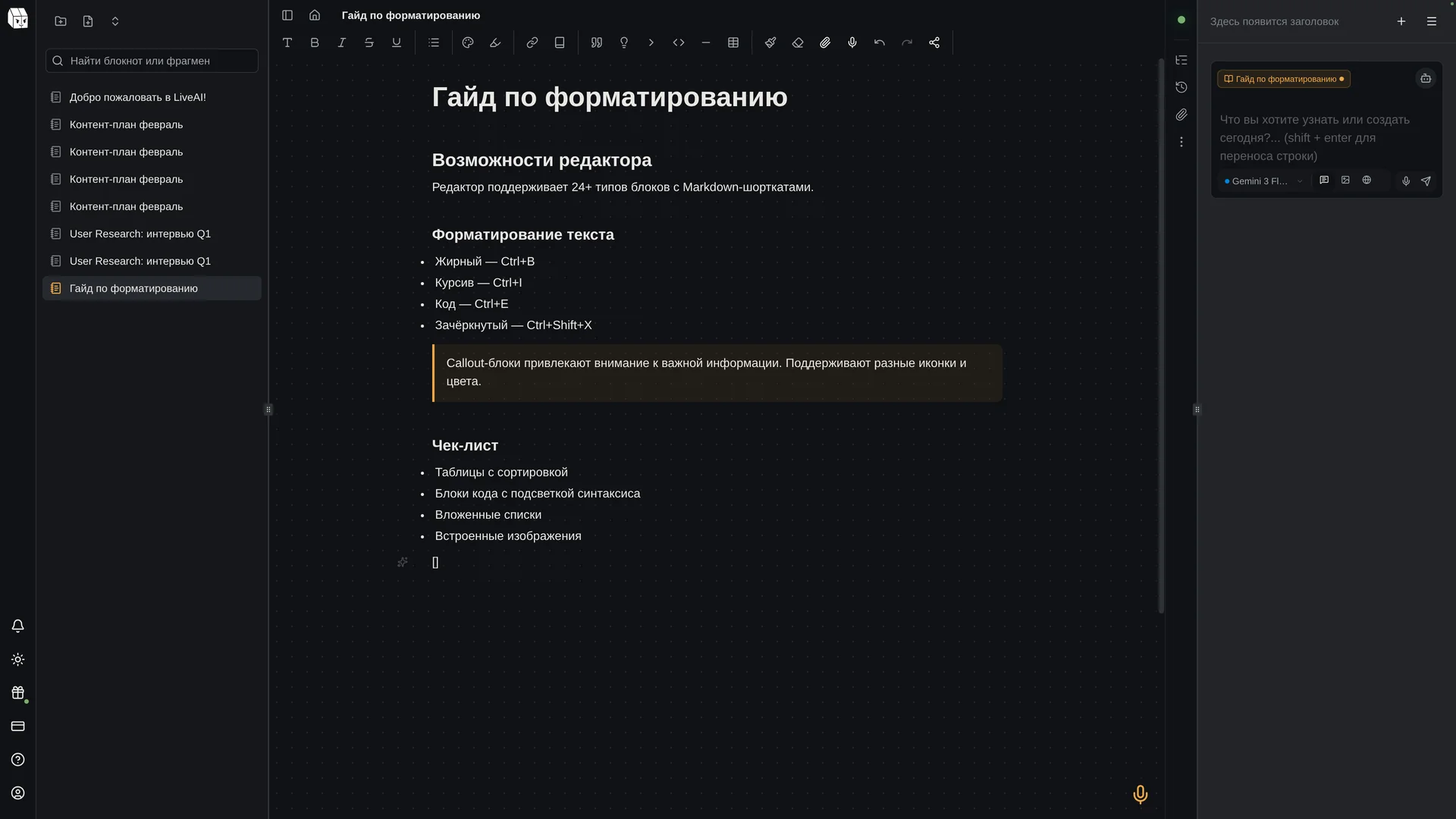
Work together in real time
Edits are preserved even when several people type at once. Edit documents with your team in real time.
- Live cursors with names
- Change history: see how the document evolved
- Independent undo/redo per participant
We switched our entire team to LiveAI. Real-time collaboration works perfectly, and AI helps everyone in the context of our shared project.
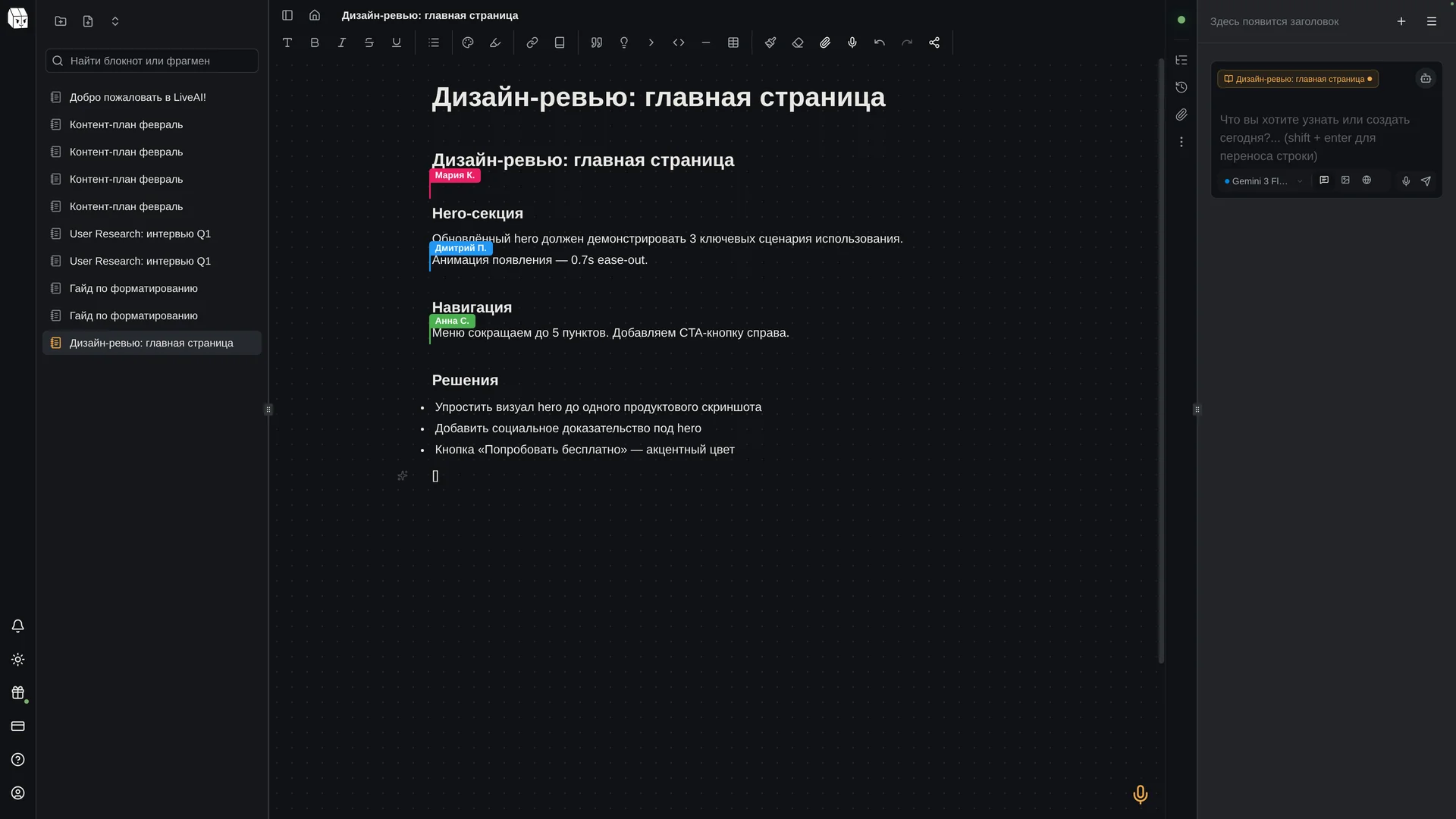
Effortless order
Folders, search, table of contents, cross-links — everything to find what you need instantly.
- Nested folders with drag-and-drop
- Full-text search across all notes
- Automatic table of contents
- Internal links with preview
Connected to your tools
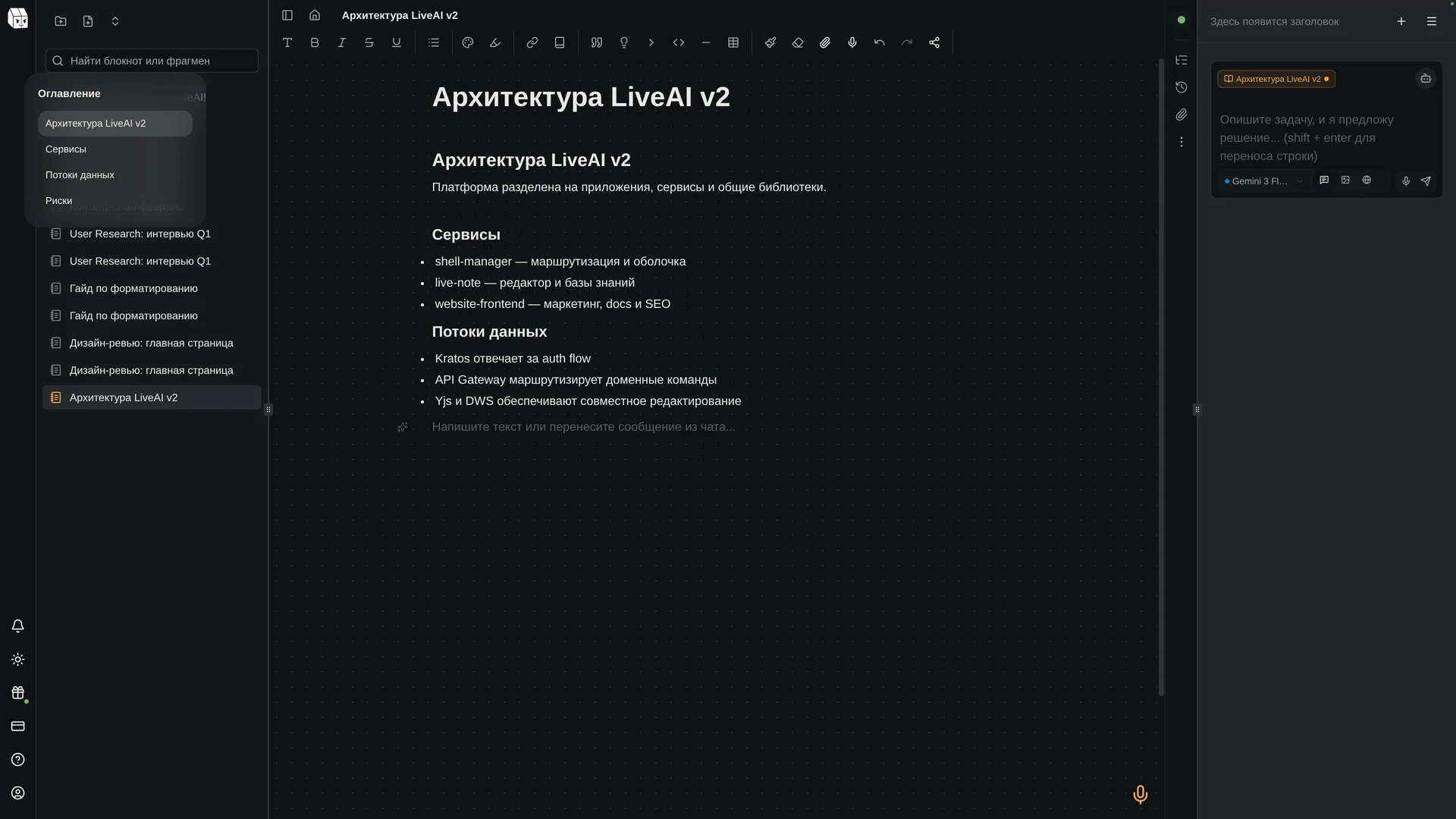
LiveAI fits into your workflow: save web pages, bring text from other services, and connect your own tools.
- Quickly send material from your messenger
- Move pages: export from Notion as Markdown and paste into LiveAI
- Browser extension: saves web pages to your notebook
- Developer connections
Works everywhere. Even offline.
Apps for your computer, phone, and browser — your notes stay with you. Access documents even without an internet connection.
- Documents available offline
- Desktop apps
- Smartphone app
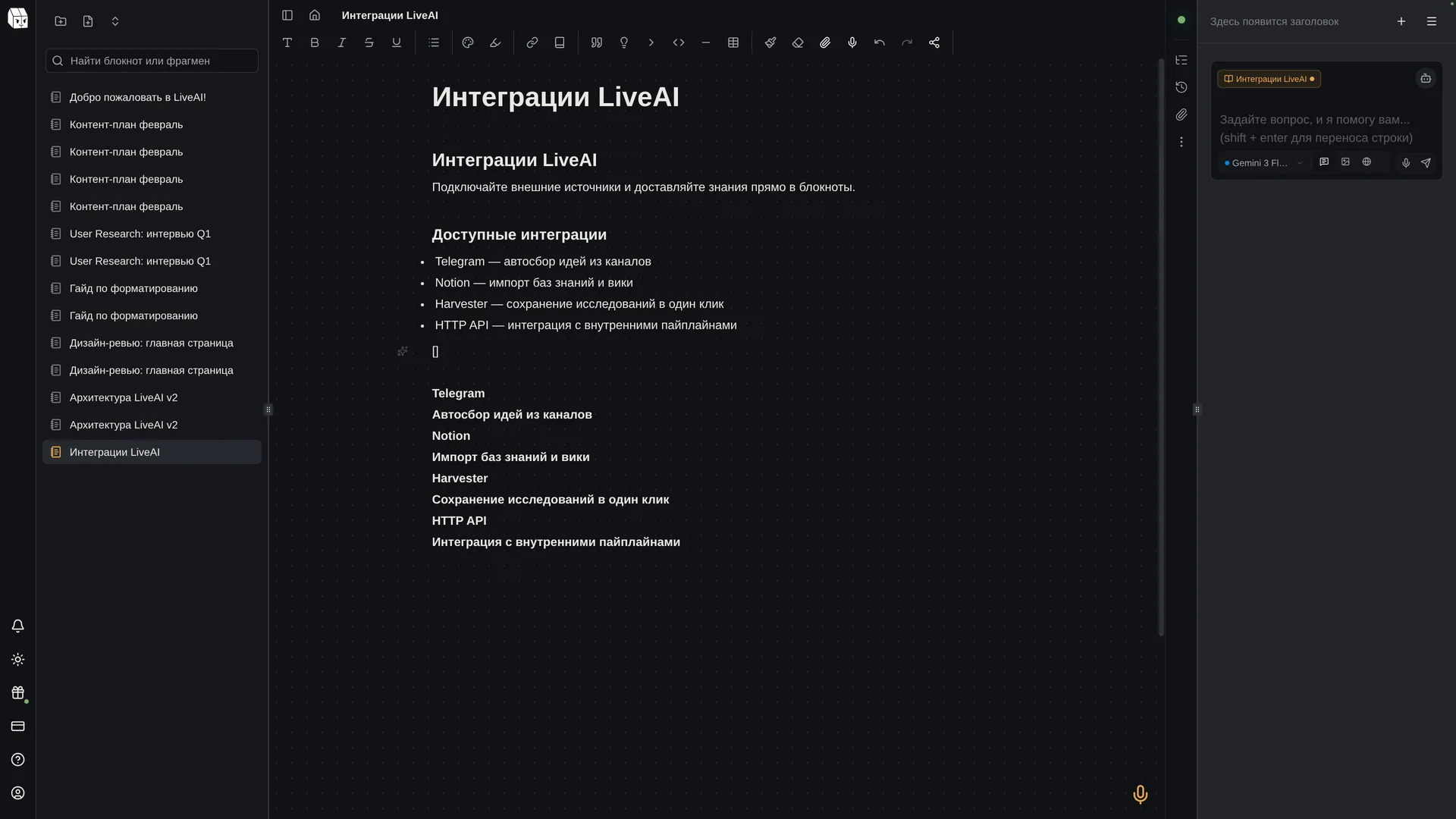
- Export as a text document, web page, or Markdown
Comparison with alternatives
LiveAI combines capabilities usually scattered across different tools
| Feature | LiveAI | ChatGPT | Notion | Google Docs |
|---|---|---|---|---|
| AI with notes context | ✓ | ✗ | Partial | ✗ |
| A choice of AI models | ✓ | GPT only | ✗ | Gemini only |
| Offline mode | ✓ | ✗ | Partial | View only |
| Real-time collaboration | ✓ | ✗ | ✓ | ✓ |
| Export to DOCX | ✓ | ✗ | ✓ | ✓ |
| File recognition | ✓ | Images only | ✗ | ✗ |
| Data in Russia | ✓ | ✗ | ✗ | ✗ |
| No VPN needed | ✓ | VPN needed | ✓ | ✓ |
Frequently asked questions
Try all features
Create your first note in 30 seconds. Free, no card required.